 Vantage

Find the sound, hear it, drop it on your timeline.
AnyCut is a sound board that sits next to Premiere Pro, CapCut or DaVinci Resolve. Your sounds, GIFs and video clips, searchable in a keystroke and ready to drag straight into your edit.
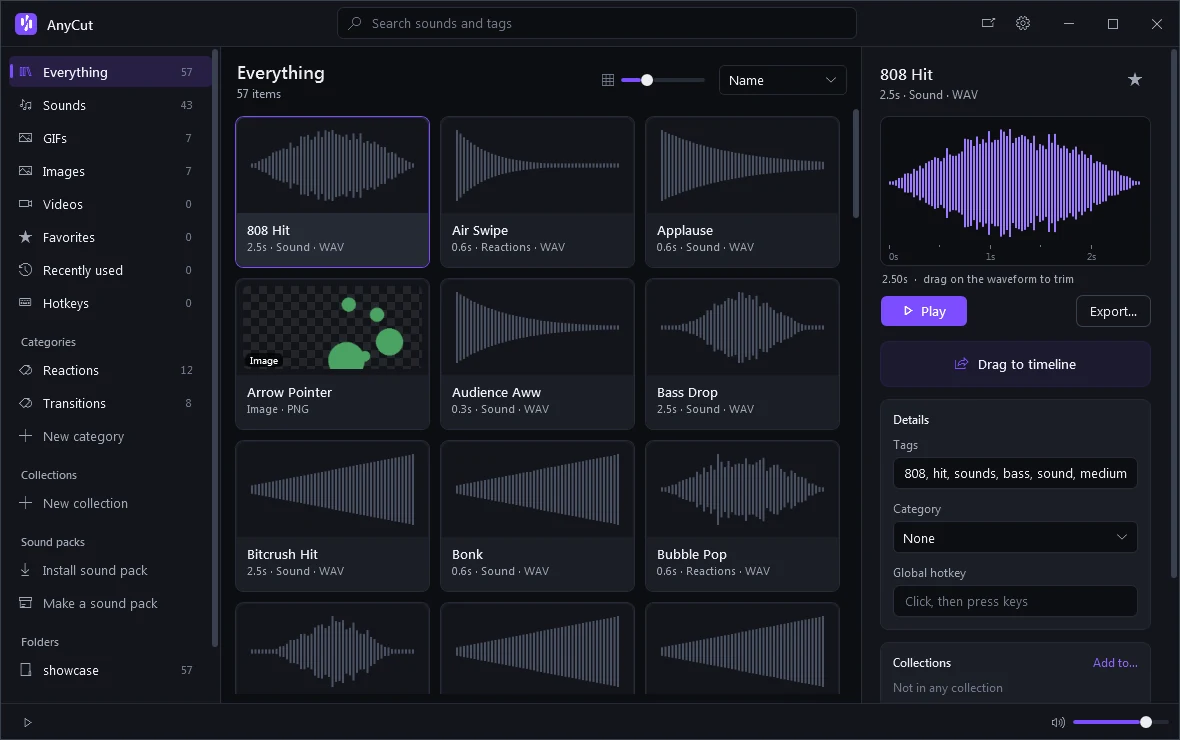
About two seconds from idea to timeline.
Type a couple of letters
Search covers names and tags, and forgives typos: “whosh” finds every whoosh. Folders you add are watched, so new sounds show up on their own.
Click to listen
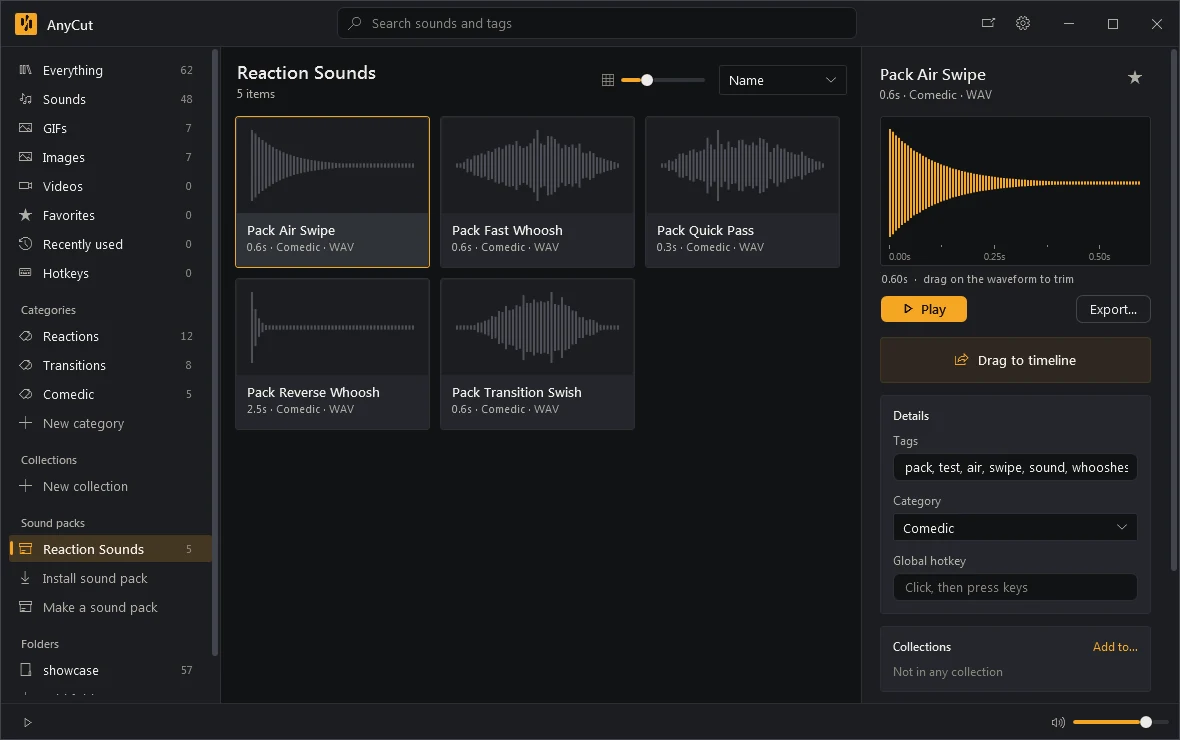
Every sound has its waveform. Click to hear it, Space to play or stop, and drag across the waveform to keep just the part you want.
Drag onto your timeline
Drag any tile into your editor's timeline or media bin, the same way you would from File Explorer. Or press Ctrl+C and paste it anywhere that accepts pasted files.
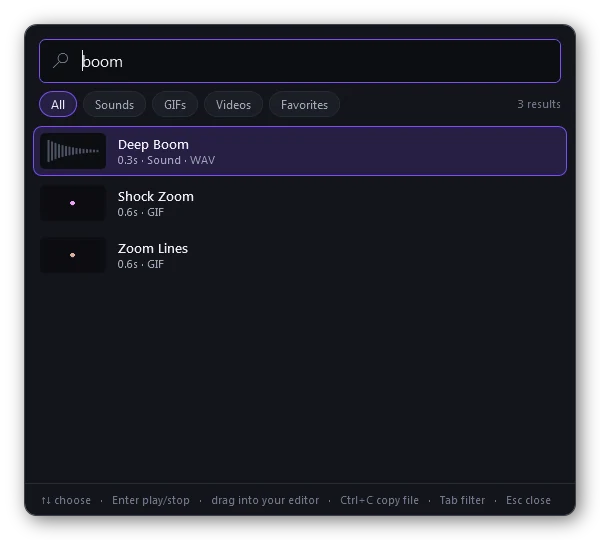
Search without leaving your editor.
Press Ctrl+Shift+Space from inside Premiere, CapCut or Resolve. A small search panel fades in on top of your edit. Type, hear the result, drag it onto the timeline, and the panel gets out of the way. Your favorites and most recent sounds are waiting before you type anything.
Close AnyCut's window and it keeps running quietly by the clock, so the quick search and your sound hotkeys always work.
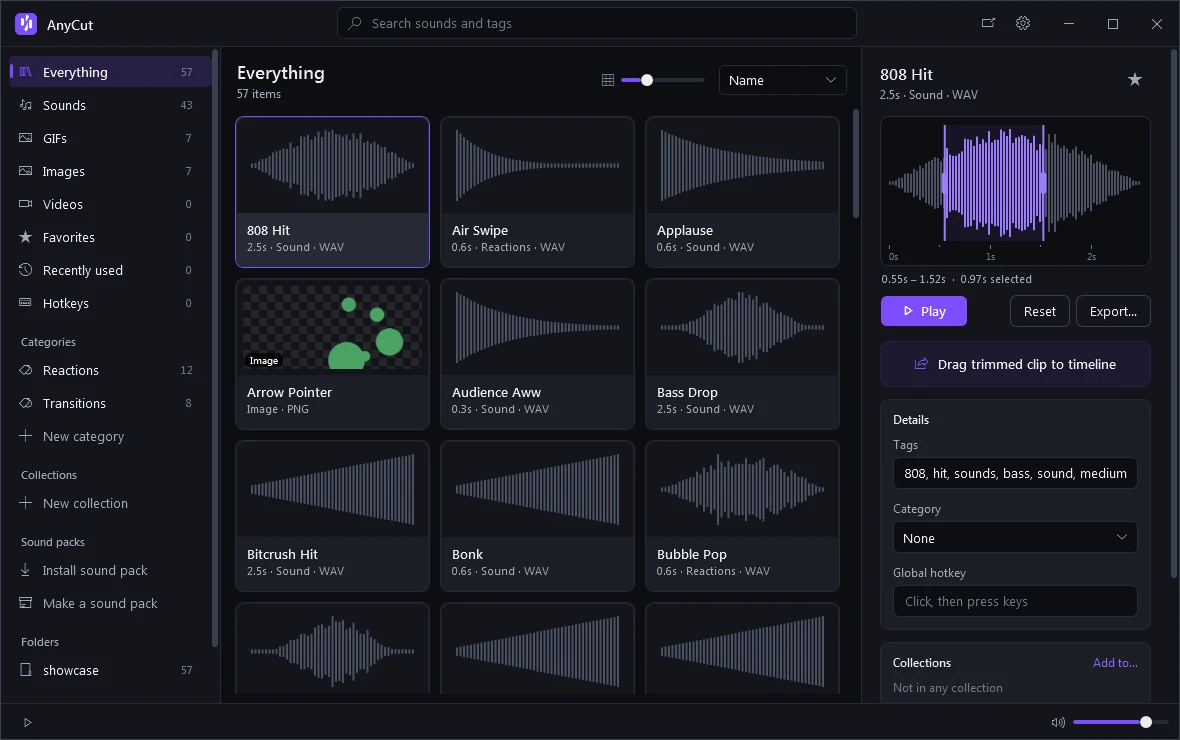
Use only the part you need.
Drag across the waveform to pick a section. Drag that selection straight into your editor, or export it as WAV or MP3. What lands on your timeline is exactly what you heard.
Turn on loudness matching and every sound arrives at the same level, so a hit is never ten times louder than the rest of your edit. Your original files are never changed.
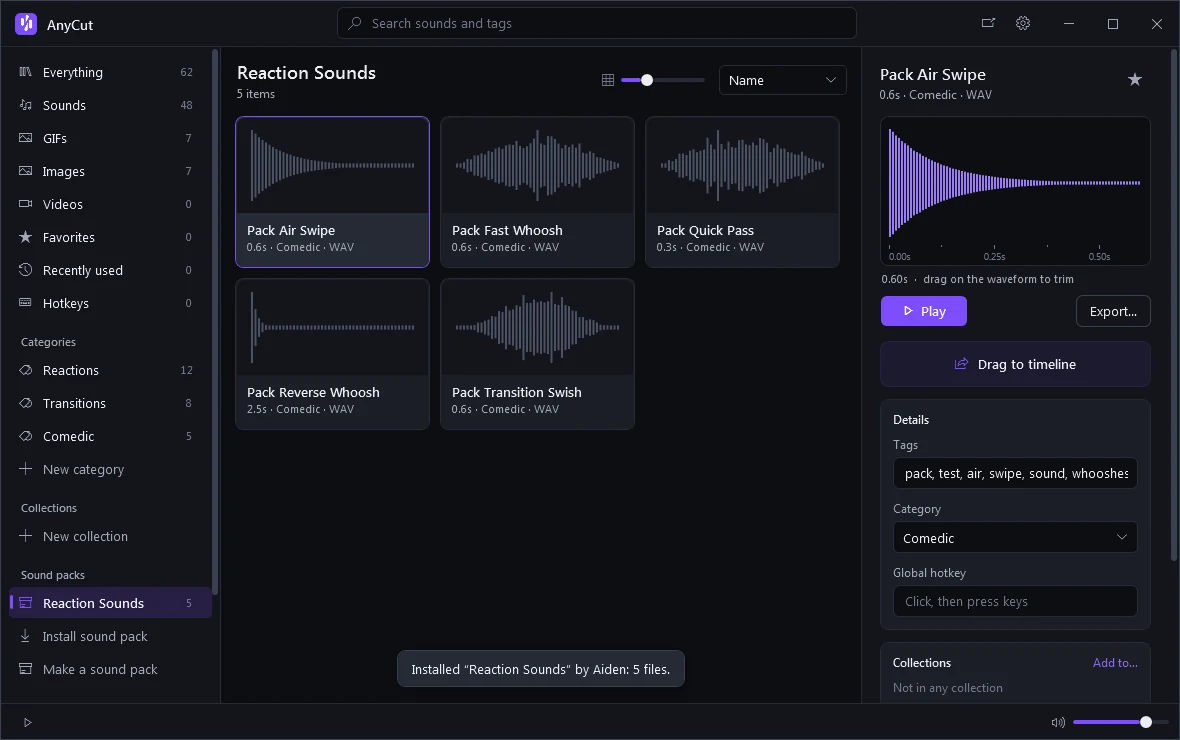
Share your sounds as one file.
Turn any collection, folder or selection into a sound pack, with your names, tags and the terms people may use them under. Send the file to your team or your audience: they double-click it and it's installed.
Every sound shows where it came from and what its maker allows, so you know what you're putting in a video before you publish.
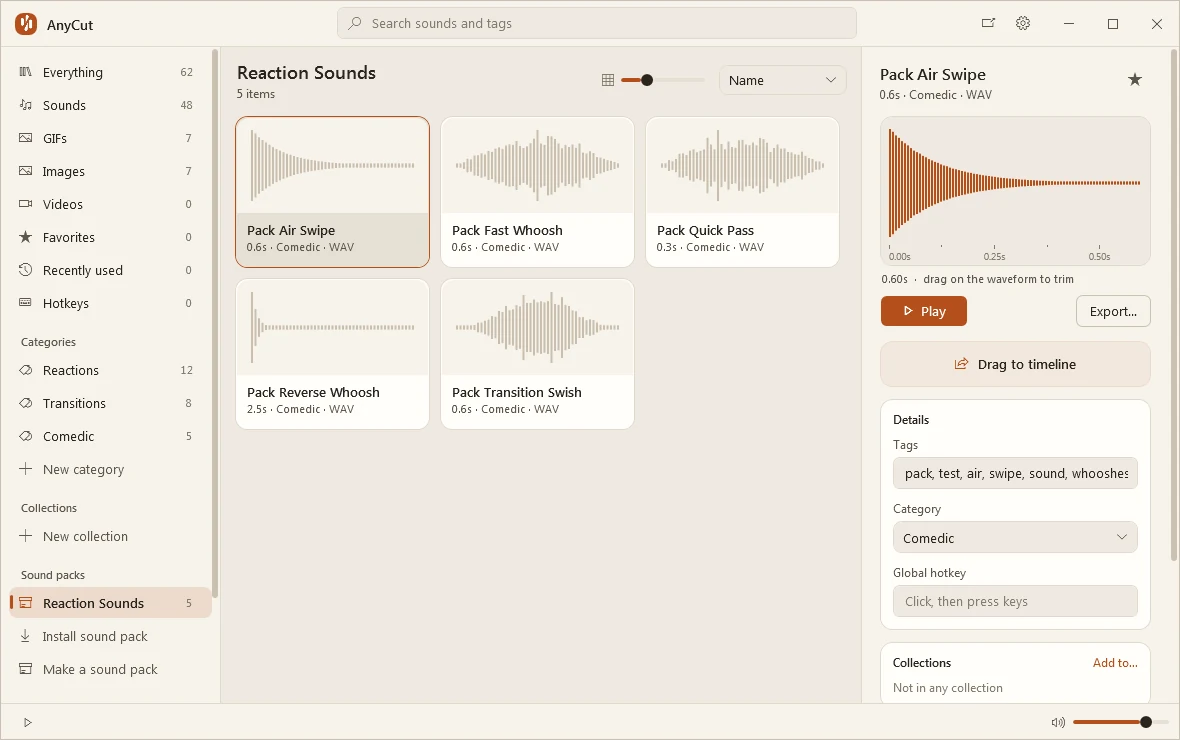
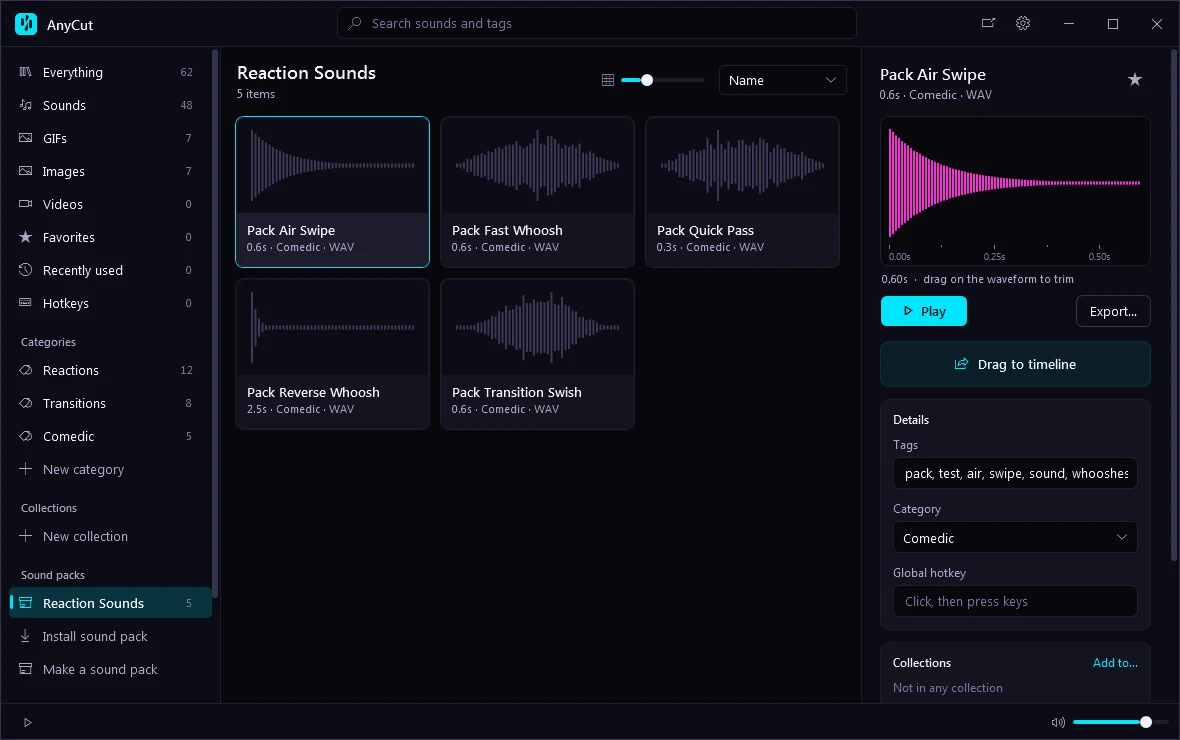
Seven themes, or build your own.
Pick a theme, or change any colour, the corners and the density. AnyCut checks that text stays readable as you go. Share your theme as a single file.
Built for the way you edit.
- Sounds, GIFs and videoWAV, MP3, OGG, FLAC and M4A; GIF, PNG and JPG; MP4, MOV, WEBM and more.
- Global hotkeysGive any sound a key combination and play it from inside your editor.
- Mini modeA slim strip that stays on top of your editor, out of the way until you need it.
- Your own categoriesPlus favorites, collections and a recently-used list.
- Fast with big librariesStays quick with 10,000 files and more.
- Satisfying to useSmooth motion and soft interface sounds, all of which you can tone down or switch off.
- PrivateYour library stays on your PC. No account needed in the app.
- Works offlineOnly checking a subscription needs the internet.
Try it free. Subscribe when it earns its place.
AnyCut doesn't come with sounds: bring your own, or install packs people share. The free version uses 3 of them; a subscription unlocks your whole library.
Free
- Every feature, with 3 sounds
- The rest of your library stays indexed and visible
- No account, no card
Get AnyCut for Windows.
Installing
- Download the file above and open it.
- If it's a ZIP: right-click it, choose Extract All, and keep the folder somewhere permanent (Documents, for example). Run AnyCut.exe inside it.
- If Windows shows “Windows protected your PC”, choose More info, then Run anyway. That message appears for new apps that haven't built up a reputation with Microsoft yet.
What's new
FAQ
Does AnyCut come with sounds?
No. AnyCut is the tool, not a sound library. Add your own folders, import single files (sounds, GIFs, images or video clips), or install sound packs that other people share.
Which editors does it work with?
Any editor that accepts files dragged in from File Explorer, which includes Premiere Pro, DaVinci Resolve and CapCut. AnyCut hands the editor a normal file on your drive, exactly as Explorer would.
Can I use these sounds in monetised videos?
That depends on where each sound came from, not on AnyCut. Sounds from a pack show the pack, its maker and their stated terms; for your own files, make sure you have the rights before you publish.
Why does Windows warn me when I open it?
Windows SmartScreen shows a warning for new apps it hasn't seen many times yet. Choose “More info”, then “Run anyway”. The warning goes away as more people use AnyCut.
How do I unlock the full version after paying?
In AnyCut, choose Unlock full version, then Find my subscription, and enter the email you paid with. AnyCut renews your key on its own while your subscription is active.
How do I cancel?
Write to support@vantageinteractive.store from the email you subscribed with. Your library, favorites and hotkeys stay; only files beyond the free 3 lock again when the paid period ends.
Where does AnyCut keep my files?
Your sounds stay where they are. Sound packs, imported files and trimmed clips go to Documents\AnyCut, because editors link to media by its location on disk. Settings and the library index are in your user's AppData folder.